


PCIe‑1008 8‑Channel CoaXPress Frame Grabber
● Channel Specs: 8 × CXP-12, 12.5 Gbps per channel, aggregate bandwidth of 100 Gbps
● High-Speed Interfaces: PCIe Gen3 x16, 8×CXP-12, 26-pin multi-function I/O
● Onboard Memory: 2 independent DDR4 banks, 4GB per bank
● Design Features: PoCXP power support, industrial-grade wide-temperature design
● Applications: Semiconductor wafer inspection, advanced medical imaging, aerospace vision, quantum optics experiments, etc.
PCIe‑1008 8‑Channel CoaXPress Frame Grabber
High-performance CoaXPress V2.0 Machine Vision Image Acquisition Platform

Four Core Advantages
8‑Channel High‑Bandwidth Acquisition
8 × HD‑BNC CoaXPress 2.0 interfaces, up to 12.5Gbps per channel with an aggregate bandwidth of 100Gbps. Supports up to 8 single‑link cameras or 2 × 4‑link multi‑link cameras, compatible with high‑speed area scan and line scan cameras.
Integrated PoCXP Coaxial Power Supply
Regulated 17W @ 24V PoCXP power per channel. A single coaxial cable transmits image data, control signals and camera power simultaneously. Built‑in device detection, auto power‑up, overload and short‑circuit protection to simplify field wiring.
Rich I/O & Flexible Trigger System
Integrated RS‑485 differential lines, opto‑isolated input/output, LVDS and TTL GPIO. Supports quadrature encoders and general timers. Multi‑source trigger routing from GPIO, timers and encoders to satisfy synchronous acquisition in complex production lines.
Complete Standardized Software Ecosystem
Comes with ImgGrab graphical configuration tool. Compatible with GenTL and Aravis SDK; supports HALCON, LabVIEW and OpenCV. Runs on Windows and Linux. The FPGA is open for user custom logic development.
Product Overview
- PCIe‑1008 is a high‑performance 8‑channel CoaXPress V2.0 frame grabber designed for high‑end machine vision, backward compatible with CoaXPress 1.0 / 1.1 / 2.1 standards.
- Equipped with Xilinx XCKU15P FPGA and 8GB DDR4 frame buffer, PCIe Gen3 x16 host interface ensures stable high‑frame‑rate large data transmission with link downgrade support.
- PoCXP power delivery eliminates extra camera power cables. Industrial isolated I/O interfaces are ready for harsh industrial environments.
- GenICam compliant with full SDK packages for seamless integration with mainstream third‑party vision software, while FPGA user logic development is available.
- Widely used for semiconductor wafer inspection, advanced medical imaging, aerospace vision, quantum optics experiments, robotic vision guidance and other high‑end vision applications.
Key Features
- 8 × HD‑BNC ports, supports CXP‑1 / CXP‑2 / CXP‑3 / CXP‑5 / CXP‑6 / CXP‑10 / CXP‑12 full speed grades
- Host interface: PCIe Gen3 x16, backward compatible with Gen2 / Gen1, supports 1/2/4/8 channel downgrade operation
- FPGA: Xilinx XCKU15P‑2FFVA1517‑I, user programmable logic supported
- 2 independent DDR4 banks, 4GB per bank; CRC check, frame and packet statistics supported
- 8 bi‑color status LEDs compliant with CoaXPress link indicator specification
- PoCXP: 17W max 24V DC per channel, overcurrent & short protection; requires external 6‑pin ATX auxiliary power
- I/O resources: 4 × bidirectional differential RS‑485/422 lines, 2 opto‑isolated inputs, 2 opto‑isolated outputs, 1 × LVDS, 2 × TTL GPIO
- Hardware timing: 2 × quadrature encoders (32‑bit position counter), 2 × 32‑bit general timers with flexible hardware trigger routing
- Software: GenTL Producer, Aravis SDK; compatible with HALCON / LabVIEW / OpenCV; Windows7/10/11, Ubuntu 18.04/20.04/22.04 64bit
- Supports area scan and line scan cameras; Mono / Bayer / RGB / YUV pixel formats
- Mechanical: Standard half‑length PCIe card, active fan cooling, dimension 180.00 mm × 111.15 mm
Technical Specifications
| Item | Specification |
|---|---|
| Protocol Standard | CoaXPress v2.1 (backward compatible with V1.0 /1.1 /V2.0) |
| Host Interface | PCIe Gen3 x16, compatible with Gen2/Gen1, channel downgrade supported |
| Camera Input Channels | 8 × HD‑BNC, up to 12.5Gbps per channel; aggregate bandwidth 100Gbps |
| FPGA Platform | Xilinx XCKU15P‑2FFVA1517‑I, user logic development supported |
| On‑board Memory | 2 independent DDR4 banks, 4GB per bank |
| Max Camera Count | Up to 8 single‑link cameras / up to 2 × 4‑link multi‑link cameras |
| PoCXP Power | 17W@24V DC per channel; overload & short protection, requires 6‑pin ATX auxiliary power |
| External I/O | 4×RS‑485 differential lines; 2 opto‑isolated IN; 2 opto‑isolated OUT; 1×LVDS; 2×TTL GPIO |
| Timing Units | 2 × quadrature encoders, 2 × general timers, hardware trigger routing supported |
| OS Support | Windows7/10/11; Ubuntu 18.04/20.04/22.04 64bit |
| Software SDK | GenTL Producer, Aravis SDK; ImgGrab graphical configuration tool |
| Mechanical Dimension | 180.00 mm × 111.15 mm; half‑length PCIe card with fan cooling |
Interface Diagram

PCIe‑1008 Board Interface Diagram
Dimension Drawing

PCIe‑1008 PCB Outline Dimension Drawing
Safety Warning (Must Read)
- Never hot‑swap the frame grabber. Hot plugging may damage the motherboard, frame grabber or cameras. Power off the host and unplug the power cord before installation or removal.
- 6‑pin ATX 12V auxiliary power must be connected to enable PoCXP camera power supply.
- ESD protection is required before handling the board. Wear an anti‑static wrist strap to release static charge; static electricity may permanently damage FPGA and high‑speed chips.
- Do not use or store the device in splashing water, direct sunlight, strong electromagnetic field or heavy vibration environments.
- Internal I/O signals are 3.3V LVCMOS directly connected to FPGA pins. 5V /12V /24V high voltage signals are prohibited.
- Use only certified CoaXPress coaxial cables. Poor‑quality cables will lead to unstable links, packet loss and transmission failures.
Quick Start Guide
- Hardware Preparation: Motherboard with PCIe x16 slot (PCIe3.0 recommended); Host RAM ≥8GB; ≥10GB free disk space; PSU with 6‑pin PEG auxiliary power.
- ESD Protection: Wear anti‑static wrist strap, fully power off the host and open the chassis.
- Board Installation: Insert PCIe‑1008 vertically into the PCIe slot and fasten the bracket screw. Connect 6‑pin ATX auxiliary cable if PoCXP is required.
- Wiring: Connect cameras via certified CXP coaxial cables; wire external I/O adapter cable as needed.
- Driver Installation: Download Hello‑FPGA‑Runtime driver package from the official website, install and reboot PC.
- Software Installation: Download and run ImgGrab installer, desktop shortcut optional.
- Device Detection: Launch ImgGrab, refresh device list to recognize PCIe‑1008 and connected CoaXPress cameras.
- Parameter Configuration: Set exposure, gain, ROI, trigger mode, I/O and PoCXP settings in GenICam feature tree.
- Image Acquisition: Start acquisition for real‑time preview; support image capture, video recording and playback.
Typical Applications

Semiconductor Wafer & Package Inspection
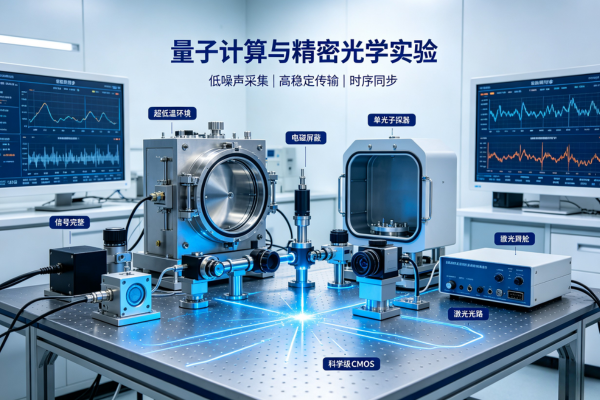
Quantum Computing Precision Optics Experiment
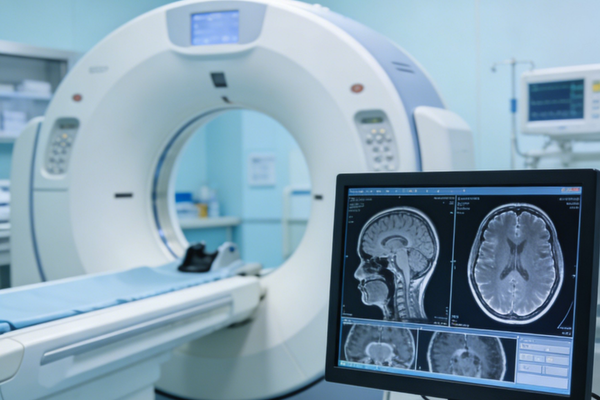
Advanced Medical DR / OCT Imaging System
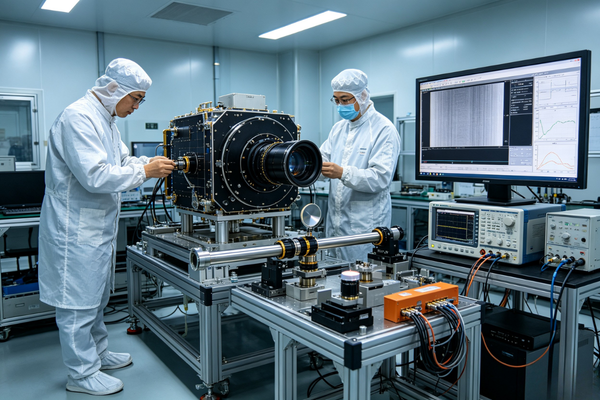
Aerospace Payload Ground Test

Industrial Robotic Vision Guidance
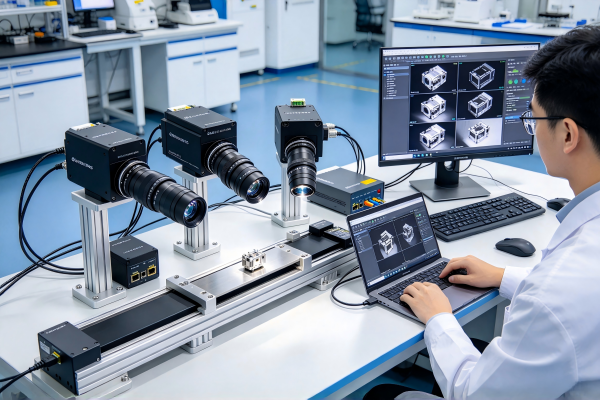
Multi‑Camera Synchronous High‑Speed Capture

