


PCIe-3004 4-Channel CoaXPress Over Fiber Grabber
●QSFP28 100G optical interface, supports CXP & GenICam. Low-cost fiber transmission with unlimited reach.
●Onboard Xilinx Kintex UltraScale+ FPGA + 8 GB DDR4 SDRAM
●Typical applications: semiconductor inspection, FPD testing, high-speed scientific imaging, intelligent transportation, medical imaging
PCIe-3004 4-Channel 25G Fiber CoaXPress
Frame Grabber
100Gbps Ultra-high Speed Fiber CoaXPress Camera Image Acquisition & Processing Card
Document Download
PCIe-3004 4-Channel 25G Fiber CoaXPress Frame Grabber User Manual.pdf
Detailed Specifications

4 Core Advantages
Ultra-high Speed Fiber Transmission
25Gbps per channel, total aggregated bandwidth up to 100Gbps for 4 channels. Supports FEC (Forward Error Correction) with unlimited fiber transmission distance.
Powerful Hardware Performance
8GB DDR4 cache + Xilinx XCKU5P FPGA, equipped with QSFP28 100Gbps high-speed optical interface, supports real-time acquisition and processing for ultra-high speed cameras.
Full-featured I/O Interfaces
Rich internal & external I/O including RS-485, isolated I/O, LVDS, TTL and 24 FPGA-direct GPIO channels, compatible with trigger, encoder, PLC and other industrial device linkage.
Flexible Development & Integration
Dual SDK support for Aravis / GenTL, ImaGrab no-code visual debug tool, and customizable FPGA logic development.
Product Overview
- Compliant with CoaXPress 2.0 fiber standard, 4 channels × 25Gbps with total bandwidth of 100Gbps. Adopts Ethernet optical PCS/PMA + FEC correction for stable and reliable transmission.
- Built-in QSFP28 100Gbps high-speed optical module interface, compatible with CXP protocol and GenICam standard. Fiber solution features lower cost and unlimited transmission distance.
- Equipped with Xilinx Kintex UltraScale+ FPGA and 8GB DDR4 SDRAM, realizing high-frame-rate, jitter-free ultra-high speed image transmission and real-time processing.
- Fully compatible with Aravis / GenTL SDK and ImaGrab visual tool. Widely used in semiconductor inspection, flat panel display inspection, high-speed scientific imaging, intelligent transportation, medical imaging and other fields.
Key Features
- 4 independent 25G fiber receiving channels with QSFP28 100Gbps high-speed optical interface
- Supports CoaXPress 1.1/2.0 protocol, FEC correction and GenICam standard
- Compliant with CoaXPress over Fiber Bridge Protocol Version 1.0
- PCIe Gen3 x8 high-speed host interface, backward compatible with Gen2 / Gen1
- 8GB DDR4 SDRAM (64-bit, 2400MHz) for frame buffer and intermediate data processing
- Comprehensive I/O configuration: RS-485, optically isolated I/O, LVDS, TTL and 24 FPGA-direct GPIO with ESD & overvoltage protection
- 4 dual-color LED indicators fully compliant with CoaXPress link status standard (Link / Fault / Error)
- Supports GenTL Producer and open-source Aravis SDK, compatible with Halcon, LabVIEW and OpenCV
- Standard 3U PCIe half-length card (168mm×111mm×23mm) with air-cooled heat dissipation design
Technical Specifications
| Item | Specifications |
|---|---|
| Interface Standard | Supports CoaXPress 1.1/2.0 (CXP-25X4 QSFP28), with FEC correction |
| Compliant with CoaXPress over Fiber Bridge Protocol Version 1.0 | |
| Host Interface | PCIe Gen3 x8, backward compatible with Gen2 / Gen1 |
| Image Channel | 4 independent 25G fiber receiving channels (QSFP28 Interface) |
| FPGA Platform | Xilinx XCKU5P-2FVB676, supports custom logic development |
| On-board Memory | 8GB DDR4 SDRAM (64-bit, 2400MHz) |
| External I/O | 26-pin D-SUB: 4×RS-485, 2 isolated inputs, 2 isolated outputs, LVDS, 2 TTL GPIO |
| Internal Expansion | 26-pin header: 24 FPGA-direct GPIO (LVCMOS33, with ESD & overvoltage protection) |
| Status Indicator | 4 dual-color LEDs, compliant with CoaXPress link status standard |
| Software Support | GenTL Producer (.cti+.dll/.so), Aravis SDK, compatible with Halcon / LabVIEW / OpenCV |
| Mechanical Dimension | 3U PCIe half-length card, 168mm×111mm×23mm, air-cooled heat dissipation |
Product Interface Diagram
Product Dimension Drawing
Safety Warnings (Must Read)
- Never install or remove the frame grabber while the system is powered on, otherwise it may permanently damage the grabber, motherboard or cameras.
- Take static protection measures and discharge static electricity from your body before touching the circuit board to prevent component damage.
- Do not store or operate the product in environments with water splashes, direct sunlight, strong electromagnetic fields or severe vibration.
- Use only original 100G fiber cables and external I/O adapter cables. Non-original accessories may cause transmission failures.
Quick Start Guide
- Install Driver: Obtain and install the HelloFPGA_RunTime driver package from technical support.
- Launch Software: Double-click
ImaGrab.exeto run the visual debug software (download the latest version from official website). - Connect Device: Click [Refresh Device] to scan the frame grabber and connected CoaXPress cameras. Double-click the target camera to establish connection.
- Parameter Configuration: Adjust ROI (Width/Height), exposure time, trigger mode and external I/O functions in the property panel.
- Start Acquisition: Click [Continuous Acquisition] to enable real-time image stream, and check frame rate & resolution in the preview window.
- Data Saving & Playback: Save images in BMP/JPG/PNG format or record videos as .bin files; Go to [File] → [Create Playback System] to load .bin files for frame-by-frame playback.
Typical Applications
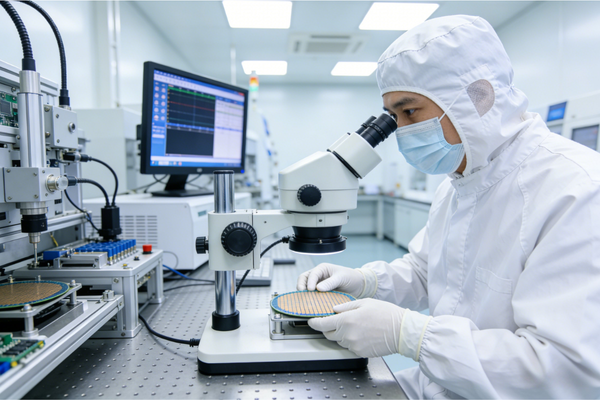
Semiconductor Inspection
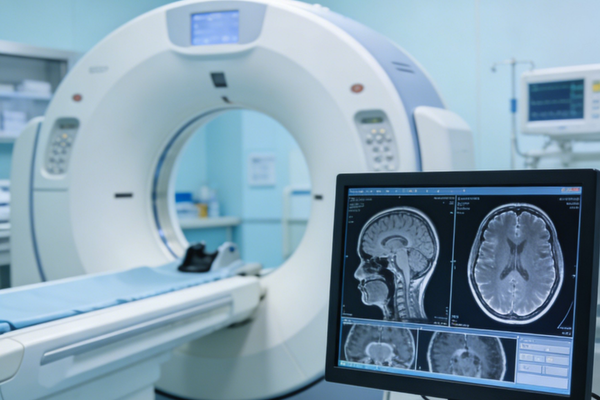
Medical Imaging

Aerospace

Industrial Automation
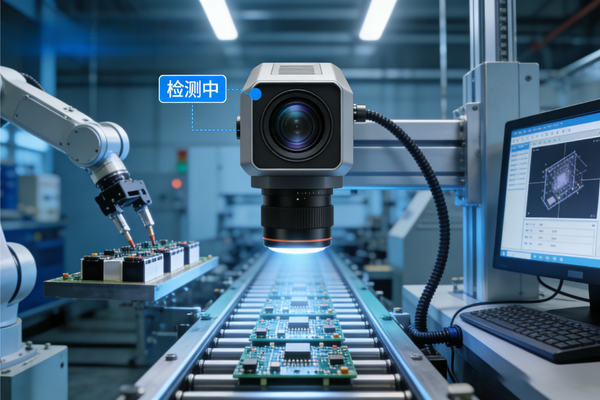
Machine Vision
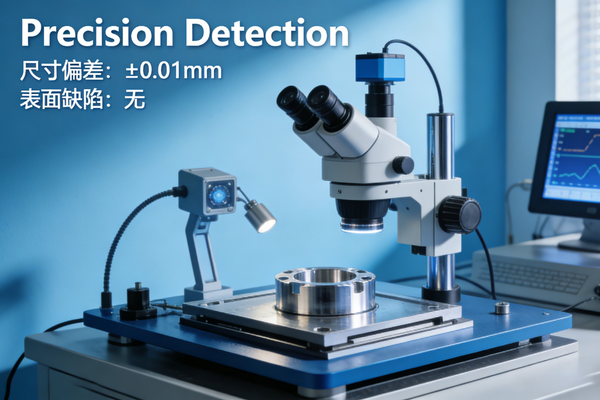
Precision Inspection

